
Aviassembly Tips and Tricks: 15 Things That Save Hours
Fifteen practical Aviassembly tips covering fuel maths, wing limits, cargo tricks, editor shortcuts and the settings that make flying easier.
Most of the frustration in Aviassembly comes from three or four hidden rules that the game never states outright. Once you know them, the same aircraft that kept falling out of the sky becomes predictable, and the same mission board that felt stingy starts paying for a full hangar.
These are the fifteen tips that make the biggest difference, ordered roughly by how early you can use them.
1. Experiment freely — parts refund in full
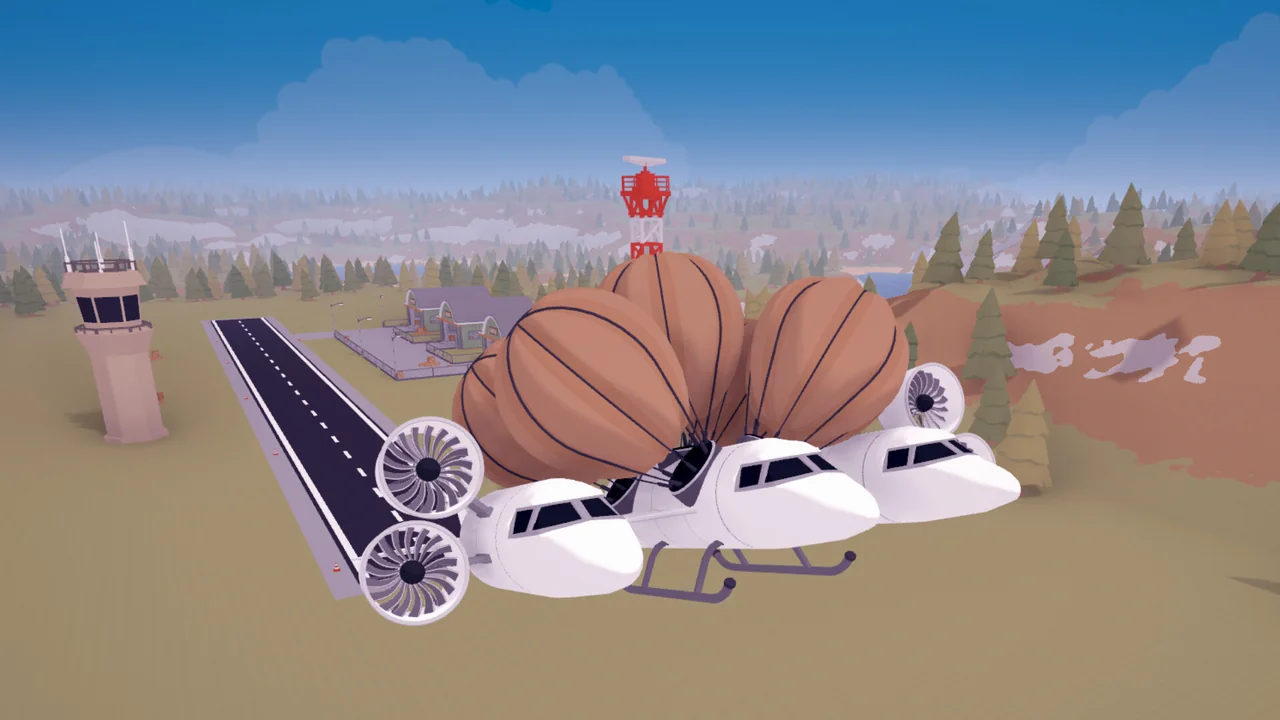
Every part you place returns 100% of its coin cost when you remove it. Coins are a size limit, not a wallet. The only cost of trying a wild design is the time you spend building it.
2. Fuel figures are multiplied by 100
A tank listed at 3 holds 300 units in the air. This is why range estimates based on the displayed number are always wrong, and why one tank can carry you much further than the label implies.
3. Wing strength is also multiplied by 100
The wooden wing's 2.25 means it breaks at 225 m/s. You get a warning at roughly 80% of that. If a wing starts complaining at 180 m/s, you have 45 m/s left, not a safety margin.
4. Throttle back instead of adding tanks
Fuel burn is per second at full thrust. Pulling the throttle back to 70% costs you a little time and saves a large fraction of your fuel. On long ocean legs this is the difference between arriving and swimming.
5. Right-click an engine to limit its thrust
The engine settings let you cap maximum thrust and bind it to its own key. Capping a powerful engine for cargo work keeps you from overspeeding a weak airframe, and it saves fuel on every climb.
6. The V tail is cheaper than a conventional one
Two surfaces instead of three, and it works. The rear wheel is optional early on as well: takeoff and landing are permissive enough that a two-point stance is fine.
7. Auto-steer is on by default and it is lying to you
Auto-steer smooths ground handling and turns, but it also prevents controlled rolls and loops. If your plane refuses to roll, that is the setting, not the design.
8. The sun is always north
The map's clock does not move and the sun sits due north. That is your only natural navigation aid, and it is enough: pick a heading relative to the sun and you can cross open water without a compass.
9. Land to reveal, fly to collect
Landing at an airport reveals its mission board and the airports that supply its cargo. Flying over it does nothing. Scrap is the opposite: fly through it and it is collected.
10. A crash deletes your map markers
If you pile into the sea, your discovered markers vanish. Landing again restores them. It is worth re-landing at a known strip after a crash rather than flying blind.
11. Fragile cargo wants spare volume, not armour
Glass, ice, chips and syringes break on hard landings. The fix is a gentler approach and a bigger hold so you can carry spares. Overloading a small hold with fragile goods on a tight timer is how missions fail.
12. Cargo timers reset when you load more of the same category
Perishable deliveries start a countdown when loaded. Loading another perishable resets the timer. If a route is long, plan the load order so the fragile or timed item goes in last.
13. Cockpits are cargo space wearing a cockpit costume
A cockpit is optional. Several of them are efficient ways to add hold volume without adding much dead weight. Two cockpits on one plane is not a mistake.
14. The editor has more tools than the first toolbar suggests
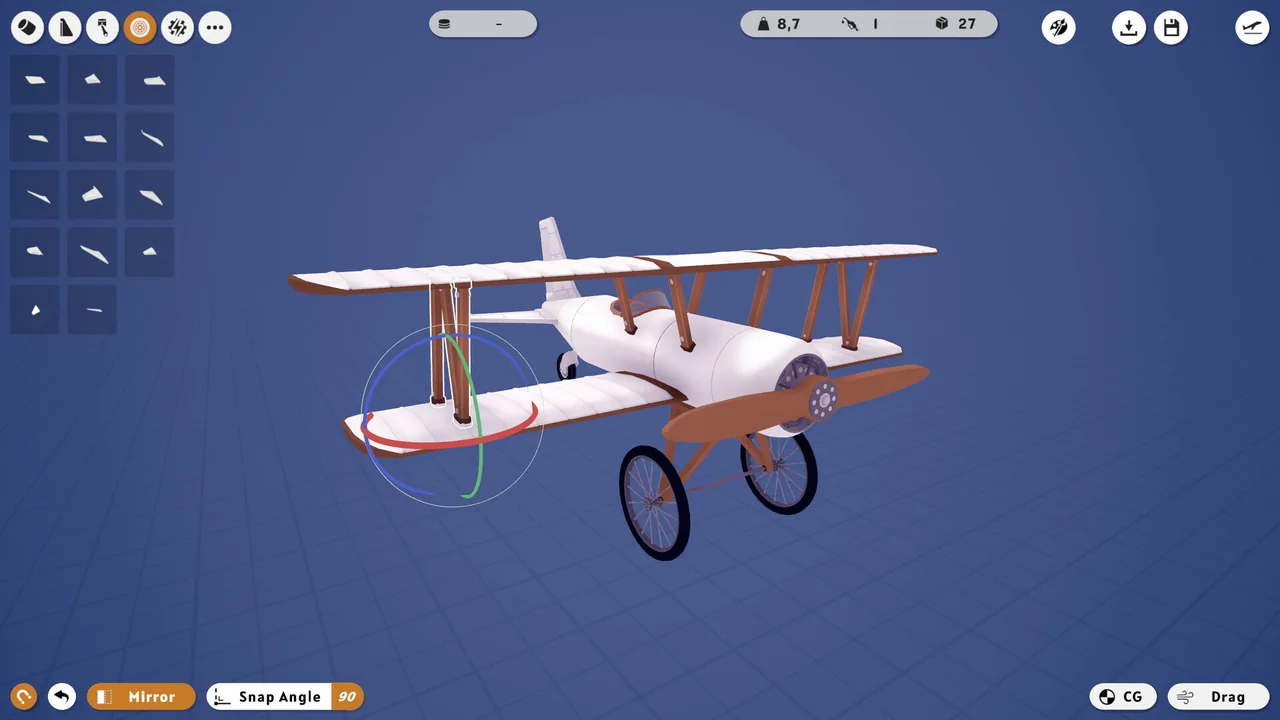
You can rotate in 90 and 45 degree steps or freely, move parts along an axis, stretch and widen fuselage faces, and delete with the Del key. Undo is a single step with Ctrl+Z; Ctrl+Y redoes. Build in small increments because the undo history is shallow.
15. Approach slow and low, then brake hard
Smooth landings come from a stable approach, not a gentle touchdown: come in low, keep enough throttle to avoid sinking, and touch down somewhere around 35 to 60 speed at 10 to 30 altitude. Braking after touchdown is what stops you eating the runway end.
Before every long flight, look at your fuel gauge and your cargo weight together. If the plane climbs sluggishly at the start, it will not magically improve halfway across the sea.
Two settings worth changing immediately
Turn auto-steer off once you are comfortable, so you can roll and loop deliberately. And bind each engine to its own control group if you fly multi-engine aircraft: independent throttles let you taxi, turn on the ground and limp home on one engine.
The controls page→ covers the rest of the setup, including HOTAS and controller support.
FAQ
Does Aviassembly have cheats? There is no built-in cheat menu. Community trainers exist, and there are build exploits that let you stack airframes, but neither is needed to finish the campaign.
Can I pause mid-flight? Yes, the game pauses, and the map clock does not advance anyway. There is no time pressure outside cargo timers.
Is there fall damage for cargo? Cargo is lost when you crash or land hard enough to break fragile goods. A rough landing with durable cargo is survivable.
Official source: Steam store page ↗ and patch notes ↗; in-game values checked on version 1.0.
Related Guides
- Beginner Guide→ — the opening, done in the right order.
- Controls→ — keyboard, controller and HOTAS setup.
- Parts→ — the numbers behind every component.
- Scrap→ — where the unlocks actually come from.
Patch notes and version history: Steam news ↗, store page ↗, Workshop ↗.